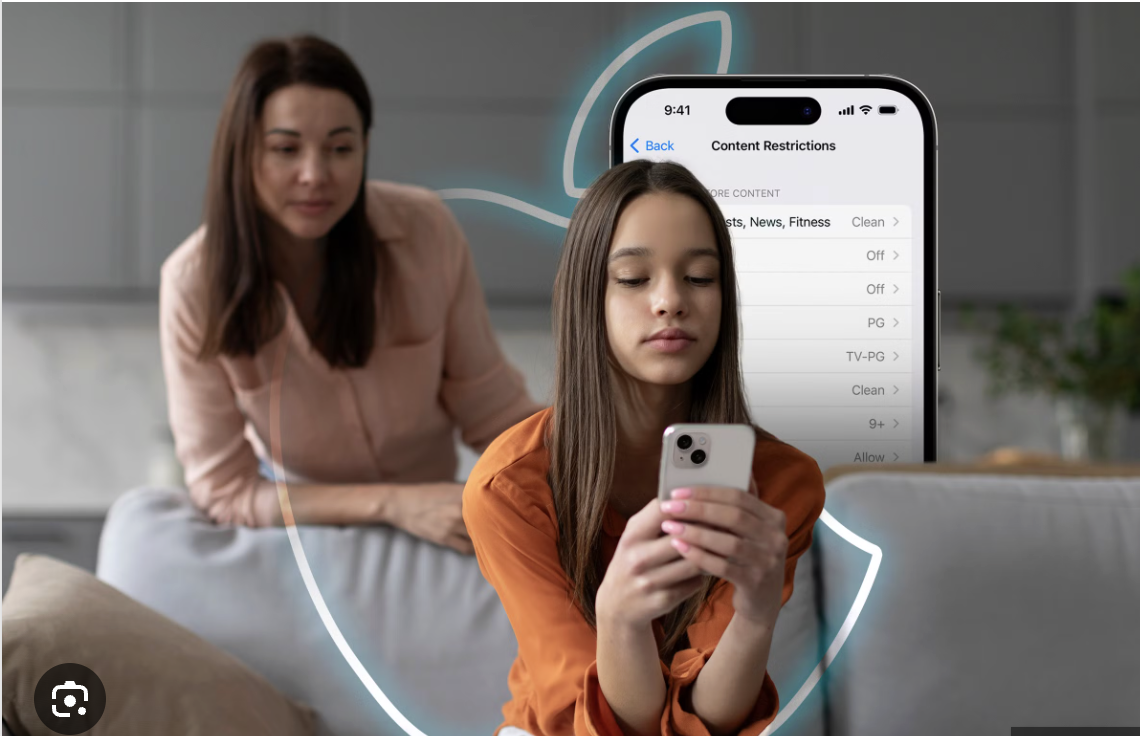

On your parent device (iPhone, iPad, or computer), create a WebNanny account from the website or app.
On your child’s iOS device, open the App Store, install the WebNanny app, and sign in using your parent account to link the device.
Follow the steps in the app to allow permissions and install the required profile so restrictions can work properly.
Once linked, use your parent dashboard to set web filters, app limits, screen time, and monitor activity.
Was this article helpful?
That’s Great!
Thank you for your feedback
Sorry! We couldn't be helpful
Thank you for your feedback
Feedback sent
We appreciate your effort and will try to fix the article